How many Service Credits do I currently have?
You can track your remaining Service Credits from your Wolfram Account. Your account dashboard lets you view how many credits you currently have available.
- Log in to your Wolfram Account.
- On the top navigation bar, select the Products & Services tab.
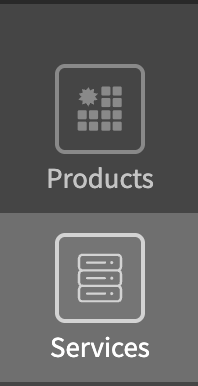
- Click the Services tab in the sidebar on the left.
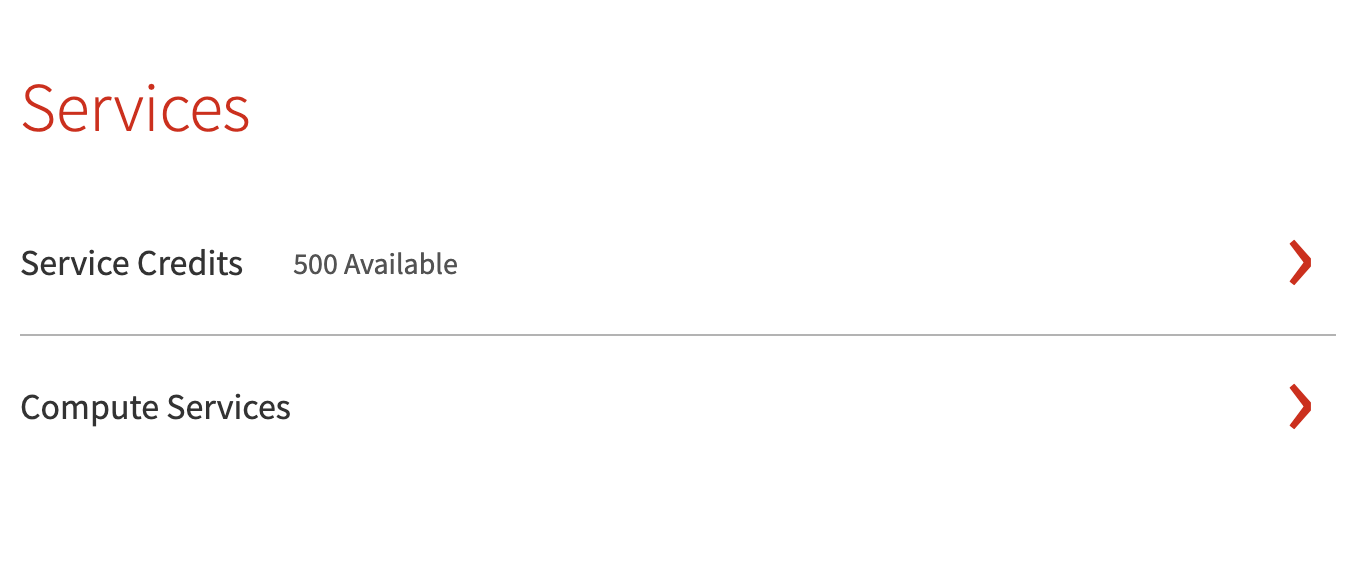
- The Service Credits line shows how many Service Credits you currently have available.

Contact Support
Whether you have a question about billing, activation or something more technical, we are ready to help you.


1-800-WOLFRAM (+1-217-398-0700 for international callers)
Customer Support
Monday–Friday
8am–5pm US Central Time
- Product registration or activation
- Pre-sales information and ordering
- Help with installation and first launch
Advanced Technical Support (for eligible customers)
Monday–Thursday
8am–5pm US Central Time
Friday
8:30–10am & 11am–5pm US Central Time
- Priority technical support
- Product assistance from Wolfram experts
- Help with Wolfram Language programming
- Advanced installation support